Flux 3 AI Video Generator - Text, Image & Audio to Video

Turn ideas into cinematic clips with multimodal control: text-to-video, image-to-video, first & last frames, up to 9 references, and native audio - generate online in one workspace.

ReferenceFramesText
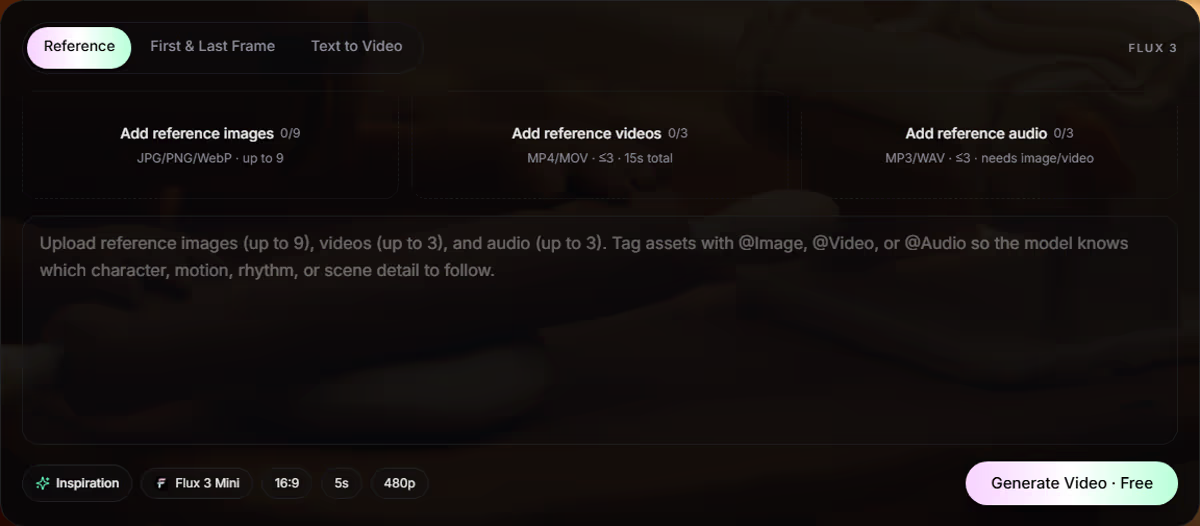
Images0/9up to 9
Videos0/3max 3 - 15s
Audio0/3max 3
Prompt
Upload reference images (up to 9), videos (up to 3), and audio (up to 3). Tag assets with @Image, @Video, or @Audio so the model knows which character, motion, rhythm, or scene detail to follow.
InspirationFlux 3 Mini16:95s480p
Generate Video · Free

Why Flux 3

Flux 3 AI Video Generator for Multimodal Prompting

Flux 3 connects image, video, and audio in one workflow - so better prompts need scene, motion, and sound together, not a one-line guess.

This Flux 3 AI Video Generator turns rough ideas into structured video briefs you can reuse, refine, and ship faster.

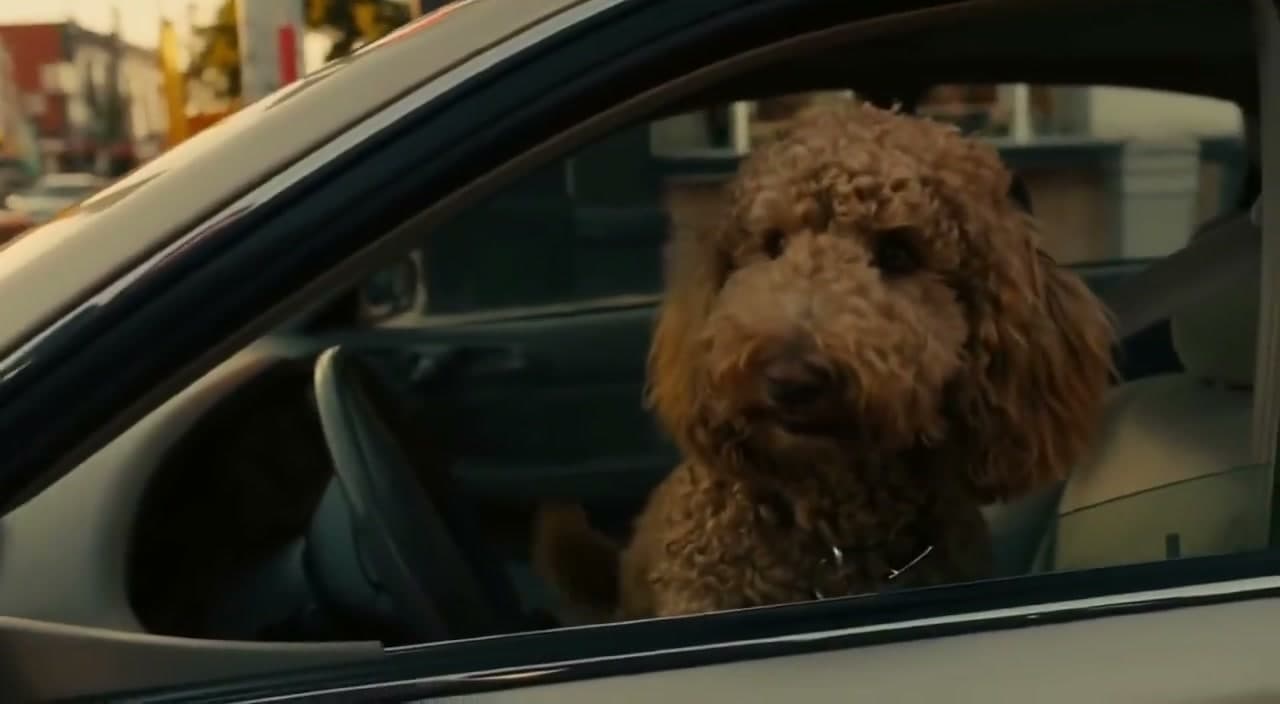
Flux 3 multimodal AI video workflow preview
  • T2VText to video prompts
  • I2VImage to video motion
  • V2VVideo to video restyle
  • KFKeyframe transitions
  • AudioSound & dialogue cues

Generator Modes

Flux 3 Text to Video, Image to Video & More

Pick the Flux 3 prompt path that matches your assets - text, stills, clips, or keyframes - and build a clear AI video brief in minutes.

Mode 1

Flux 3 Text to Video

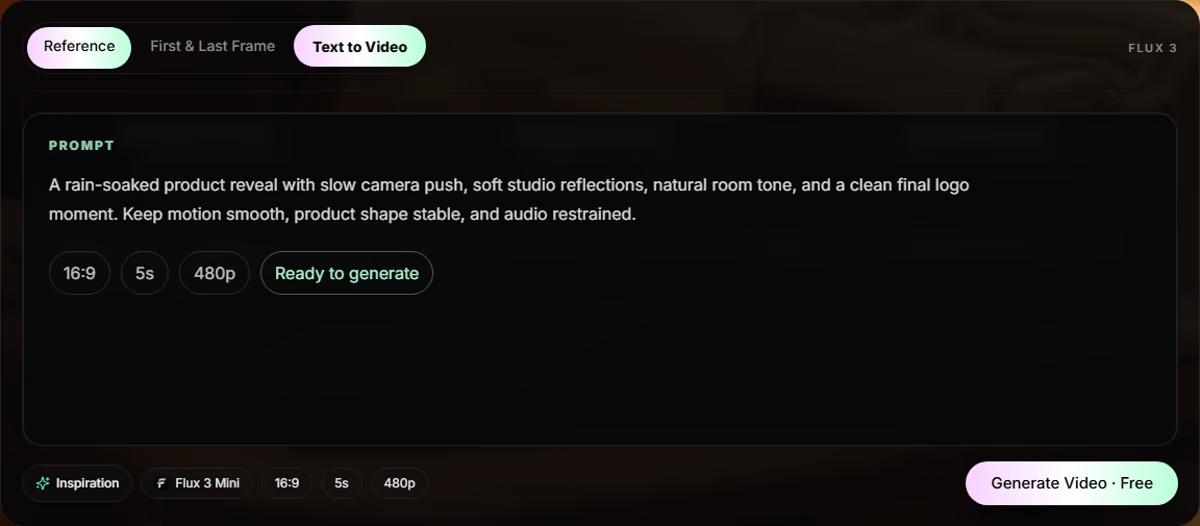
Turn a written brief into a complete Flux 3 text-to-video prompt—subject, action, setting, camera, mood, visual treatment, and audio direction in one place. Use it for social ads, product launches, narrative shots, music-video ideas, cinematic B-roll, explainers, and fast creative tests. Skip vague lines like “luxury watch ad in a city.” Specify a macro product shot, brushed-steel reflections, rainy pavement, slow dolly, shallow depth of field, soft ticking SFX, and a restrained premium grade so the model knows what “good” looks like before it generates. Best when you start from words alone: lock the shot intention first, then iterate camera, motion, or audio one variable at a time for cleaner Flux 3 results.

Flux 3 text to video prompt example

Mode 2

Flux 3 Image to Video

Animate a product photo, character still, fashion frame, interior, poster, or key visual with a Flux 3 image-to-video prompt that explains what must stay fixed and what should move. Lock facial identity, outfit, product shape, logo placement, and lighting while directing camera path, background motion, and timing. A strong still already owns style and composition. Flux 3 adds time: curtains in a breeze, a hand entering frame, a slow push-in, light sliding across glass, a label rotating into view, or a character turning toward the key light. Ideal when you already have an on-brand hero image and need motion without rebuilding the look from scratch.

Flux 3 image to video prompt example

Mode 3

Flux 3 Video to Video

Restyle a reference clip while keeping the core subject, action, or framing. Flux 3 video-to-video prompts help you change environment, mood, wardrobe, or campaign look—turning a simple walk into a sci-fi corridor, fashion editorial, travel spot, or animated sequence without losing the main beat. Call out what must survive from the source (face, gait, product, logo, camera rhythm) and what can change (set, grade, era, weather, brand world). Clear boundaries cut ambiguity and give the model a sharper creative target. Use this mode for campaign variants, seasonal refreshes, and style explorations when the performance of the original take is already strong.

Flux 3 video to video prompt example

Mode 4

Flux 3 Keyframe to Video

Plan controlled transitions between defined moments: day to night, clean product to exploded view, sketch to final design, empty room to furnished space, calm face to smile, wide shot to close-up, or logo mark to animated title card. Strong Flux 3 keyframe prompts describe the start state, the end state, the motion between them, and what must stay coherent—identity, proportions, brand colors, and readable type—so the morph feels intentional, not melted. Choose this path when continuity matters more than a single freeform take: storyboards, product reveals, UI motion, and beat-to-beat scene changes.

Flux 3 keyframe to video prompt example

Audio Prompting

Flux 3 Video Prompts with Native Audio & Dialogue

Flux 3 video prompts work better when sound is planned with the shot - ambience, SFX, music mood, and dialogue. Use this AI video generator to match audio cues to action so clips feel directed, not silent afterthoughts.

Ambient sound

Physical sound effects

Music mood

Dialogue language

Speaker tone

Sync notes

Silence and restraint

Sounds to avoid

How It Works

How to Use the Flux 3 AI Video Generator

Build a ready-to-generate Flux 3 video in three simple moves: add sources, shape the prompt, then generate and refine.

Choose Flux 3 source files and generation mode

1. Choose Sources and Mode

Pick the mode that matches your material. Use references when you already have images, clips, or audio; use Text to Video when you want to start from a written scene.

Write a Flux 3 video prompt and choose settings

2. Write the Prompt

Turn the idea into direction: subject, action, camera movement, lighting, audio cues, and what should stay consistent. Then choose ratio, duration, resolution, and model.

Generate, review, download, and refine a Flux 3 video

3. Generate and Refine

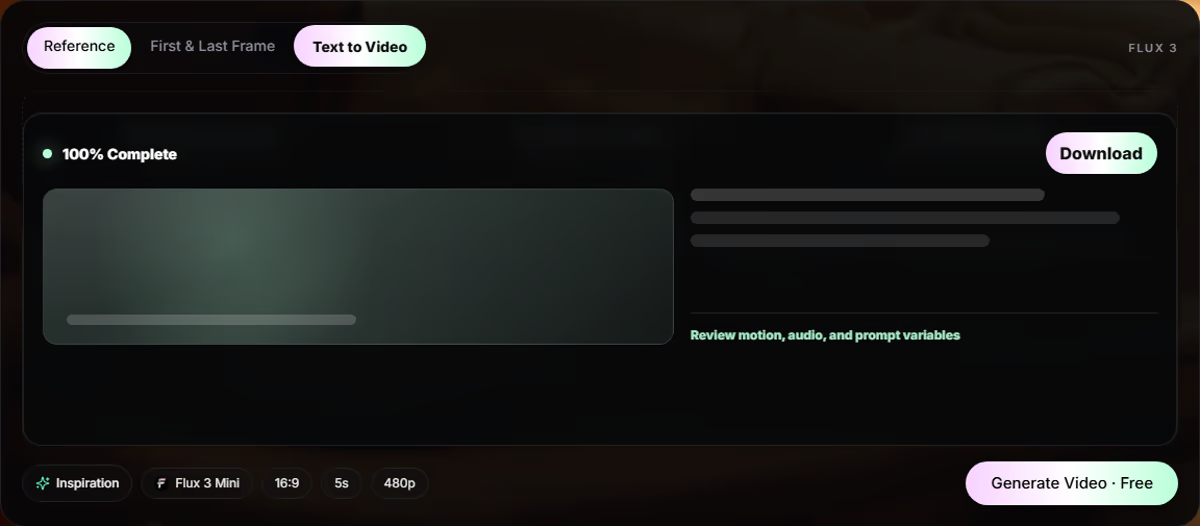
Run the generation, review the output, and adjust one variable at a time. Save the useful result, then refine motion, sound, style, or references for the next pass.

Gallery

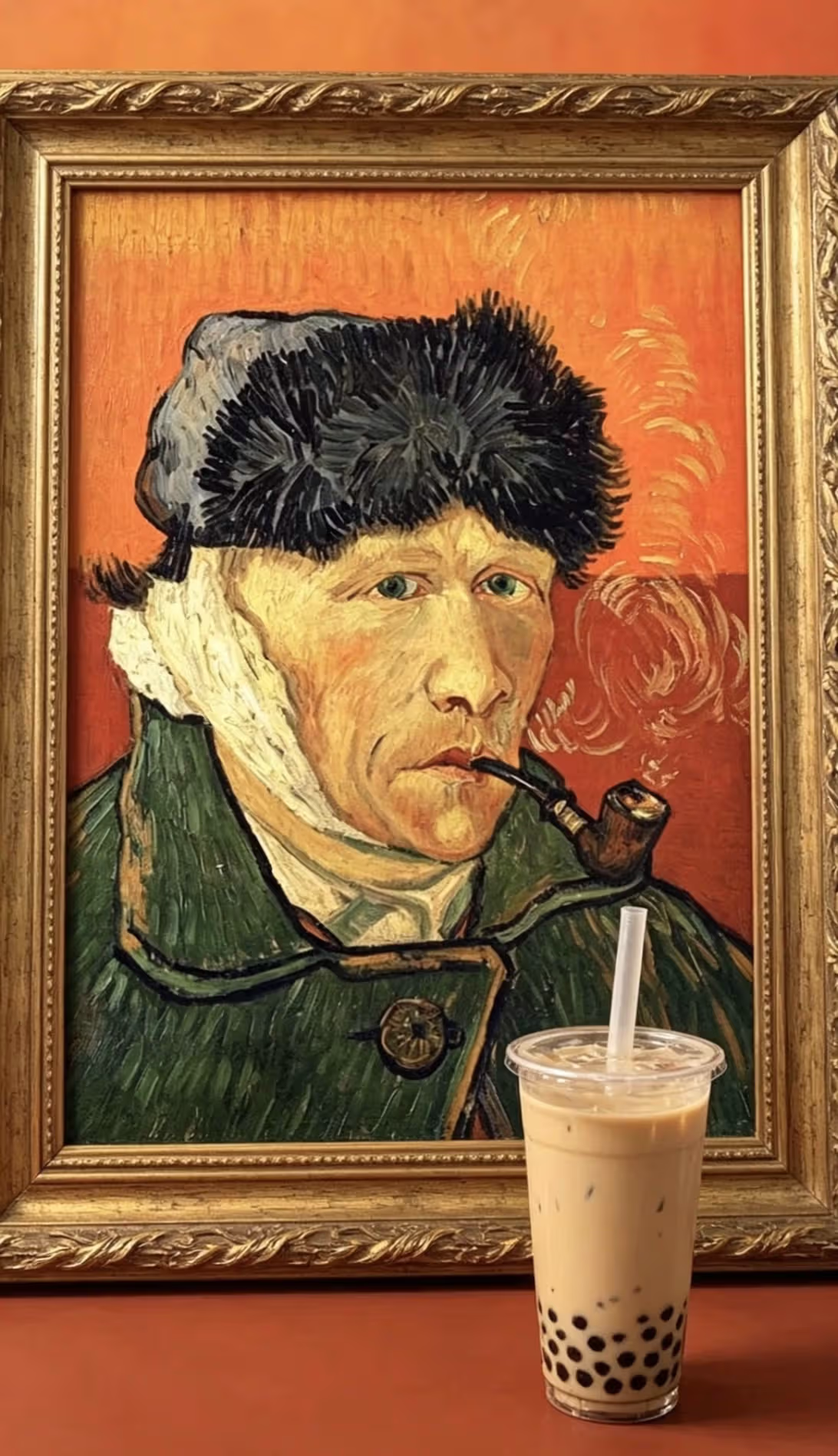
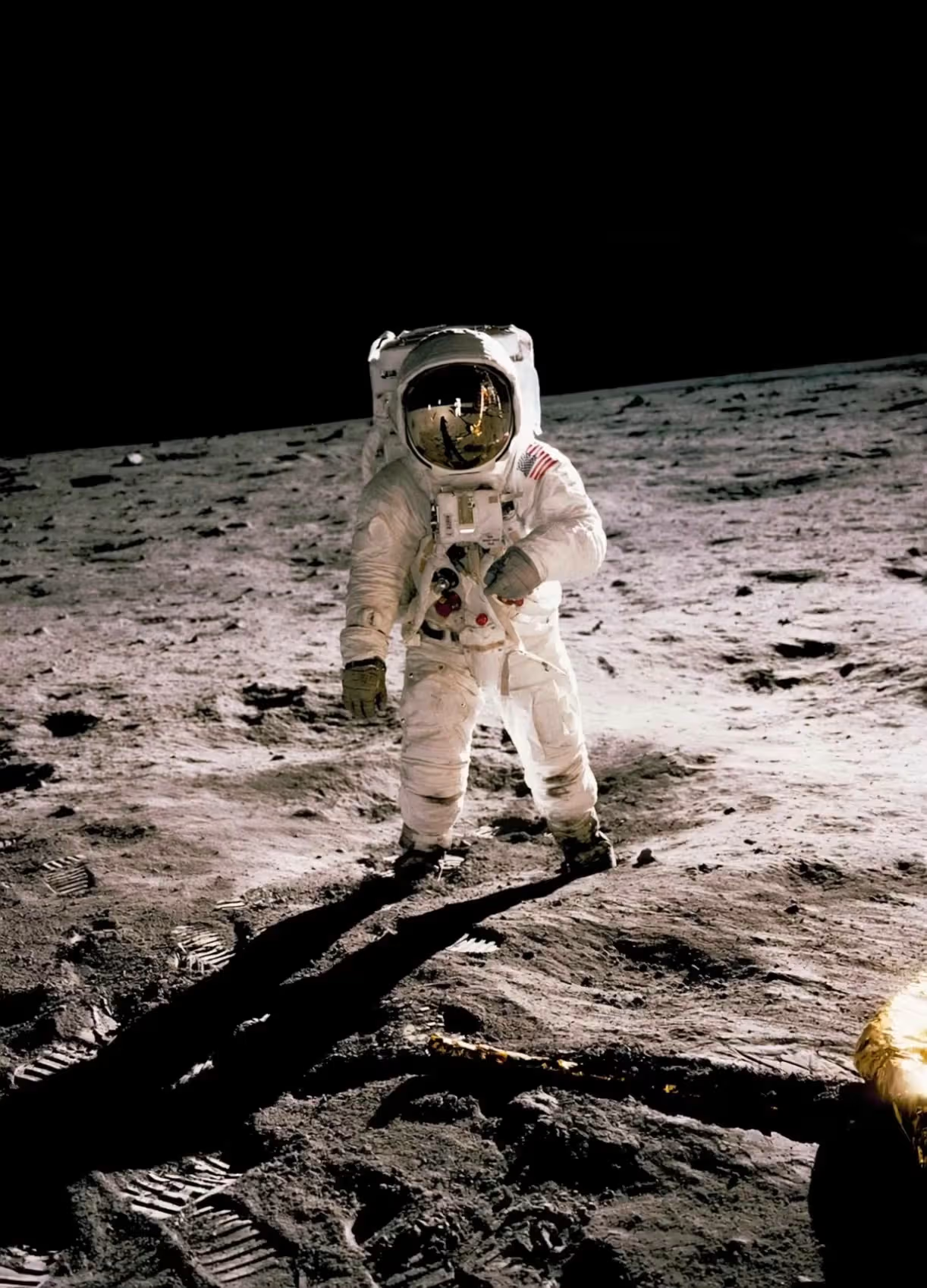
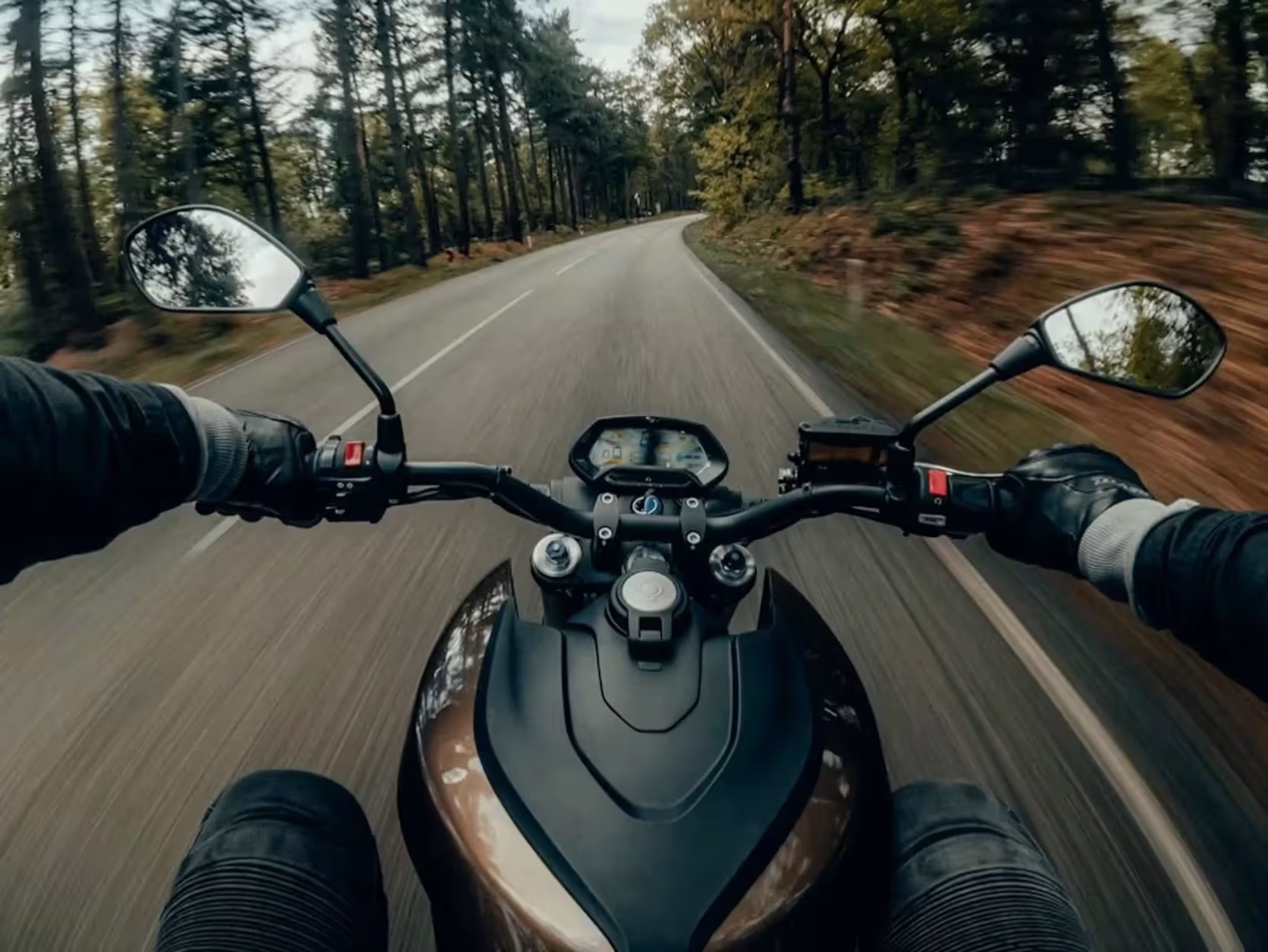
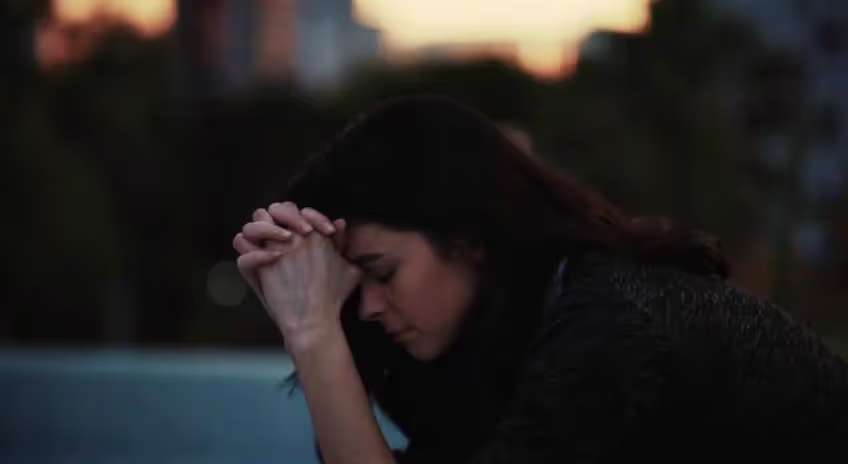
Flux 3 AI Video Examples & Visual References

Browse cinematic, product, and character references, then build matching Flux 3 prompts with scene, camera, and audio notes.

Use Cases

Flux 3 AI Video Generator for Creators & Teams

Built for marketers, ecommerce, filmmakers, and agencies who need repeatable Flux 3 prompts - not one-off experiments.

Marketing and paid social Flux 3 video prompts

Marketing and Paid Social

Create short video concepts for ads, product launches, landing pages, email campaigns, and social testing. Generate multiple hooks from the same product image, compare visual angles, and build prompt variants for different audiences. A fitness brand might test a gritty gym scene, a clean studio product shot, and a street-running sequence without organizing three separate shoots.

Ecommerce and product Flux 3 video prompts

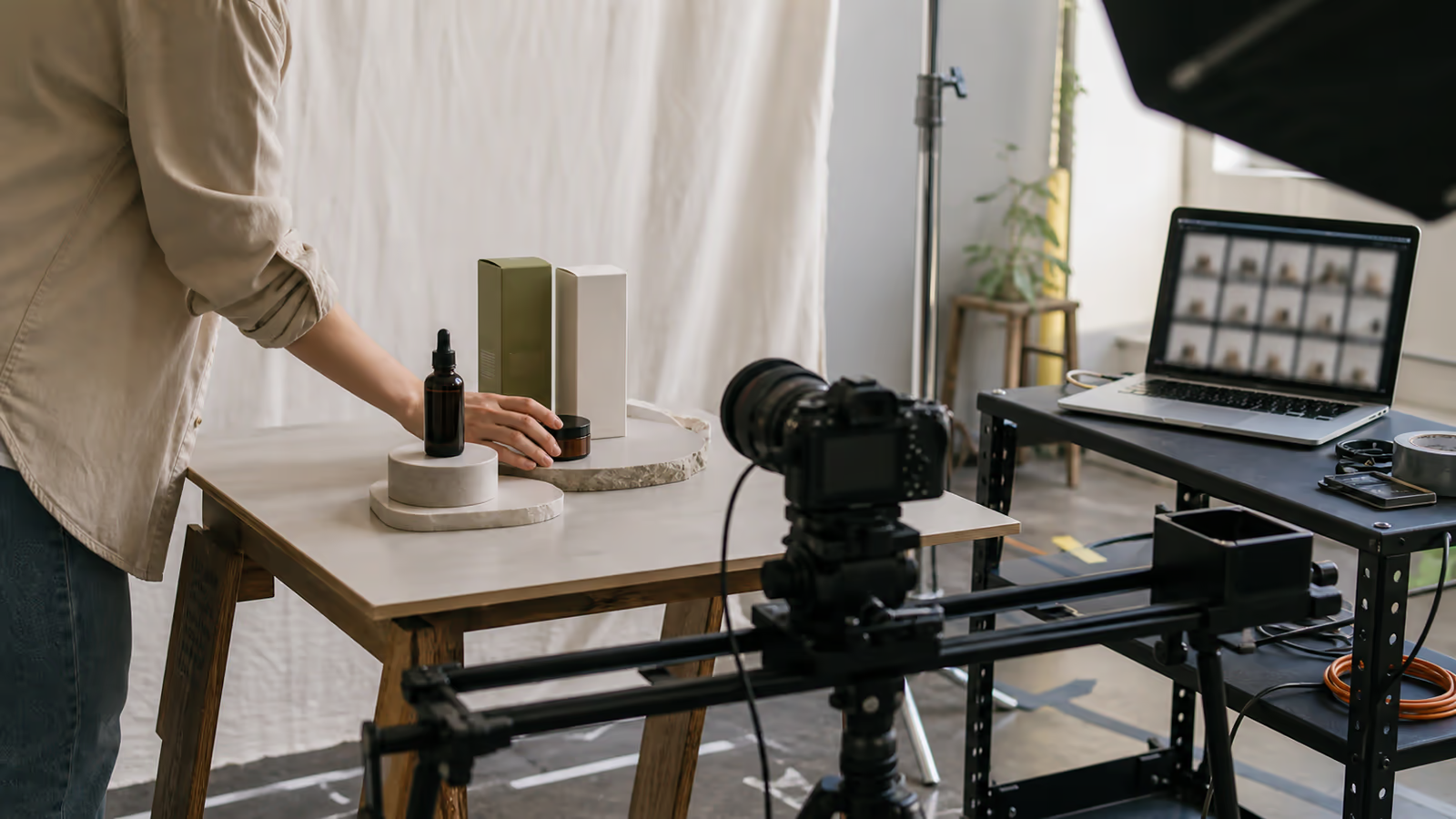
Ecommerce and Product Videos

Turn product photos into motion concepts. Add camera moves, hand interaction, packaging reveals, texture close-ups, lifestyle context, and audio cues. Use prompts to explore how a product should feel before committing to a full production pipeline.

Film storyboarding and previsualization with Flux 3

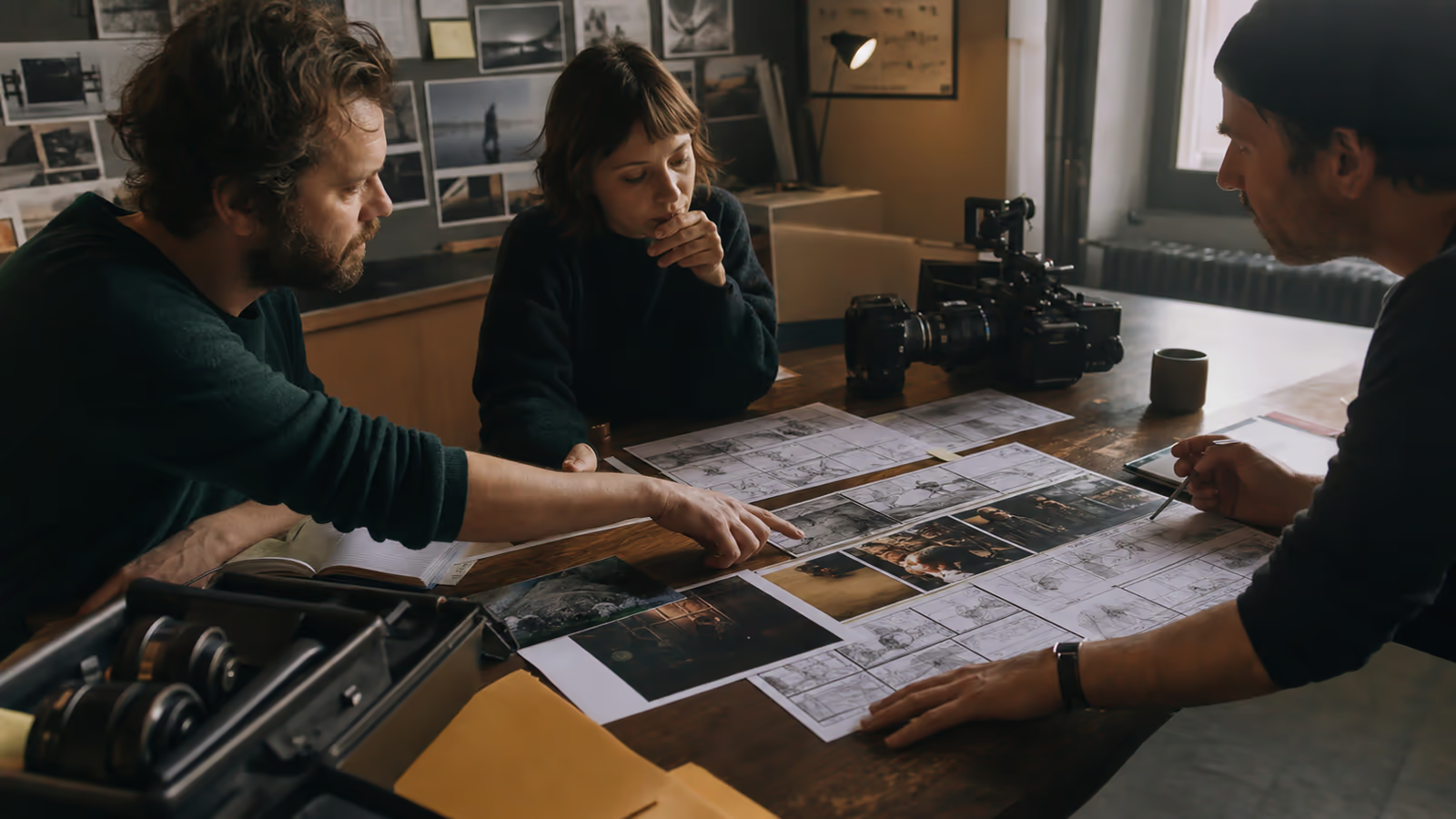
Film, Storyboarding, and Previsualization

Direct character beats, environments, mood shifts, establishing shots, action transitions, and sound design notes. Use Flux 3 prompts to create visual references for pitches, treatments, shorts, music videos, and scene planning.

Design motion and typography Flux 3 prompts

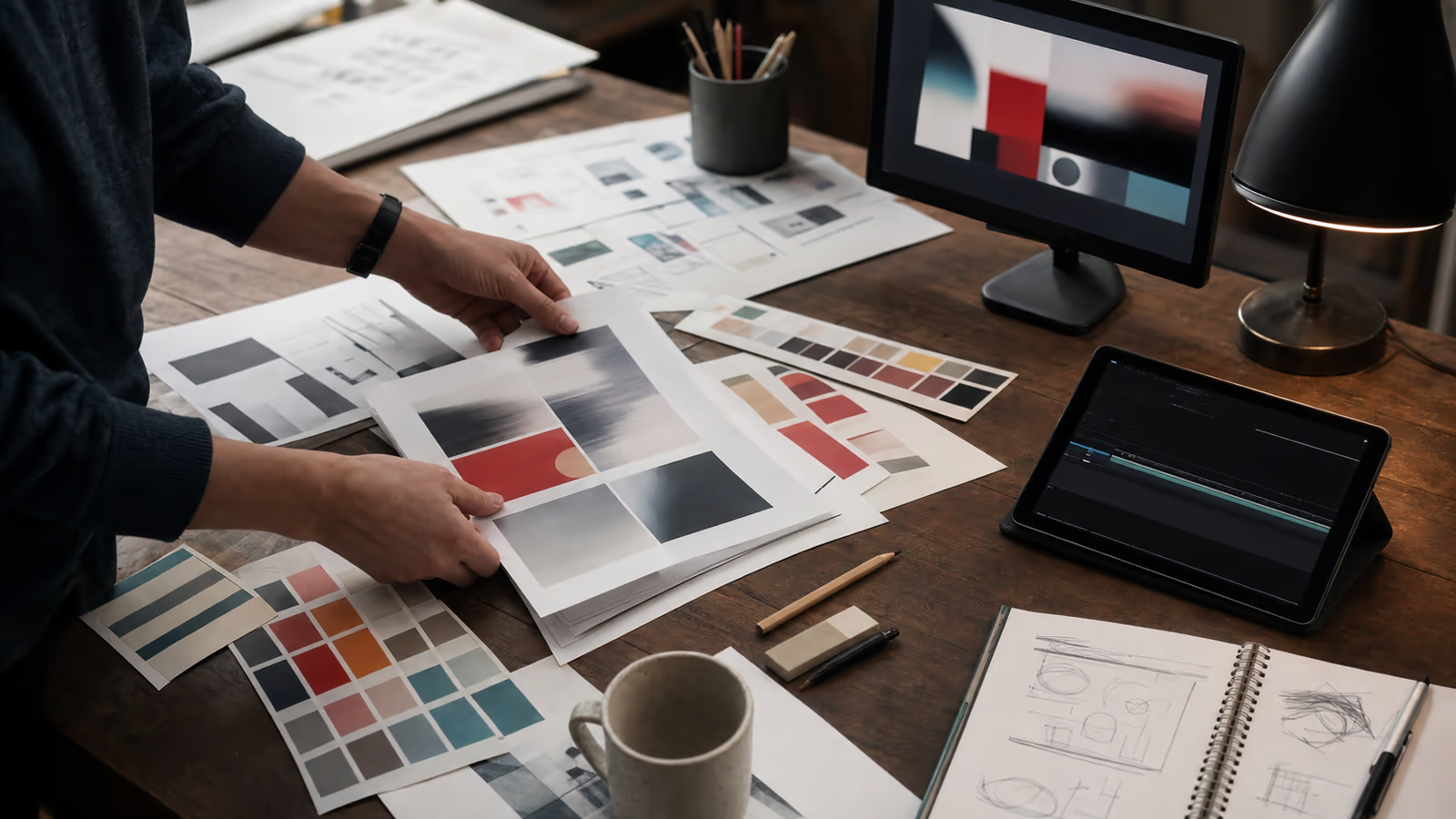
Design, Motion, and Typography

Explore animated posters, title cards, logo reveals, kinetic typography, interface mockups, and brand motion systems. Public FLUX 3 materials highlight typography and animated design as areas of interest, which makes prompt structure especially important. Text in video needs precise instructions: wording, placement, motion, duration, contrast, and what not to distort.

Education and explainer Flux 3 video prompts

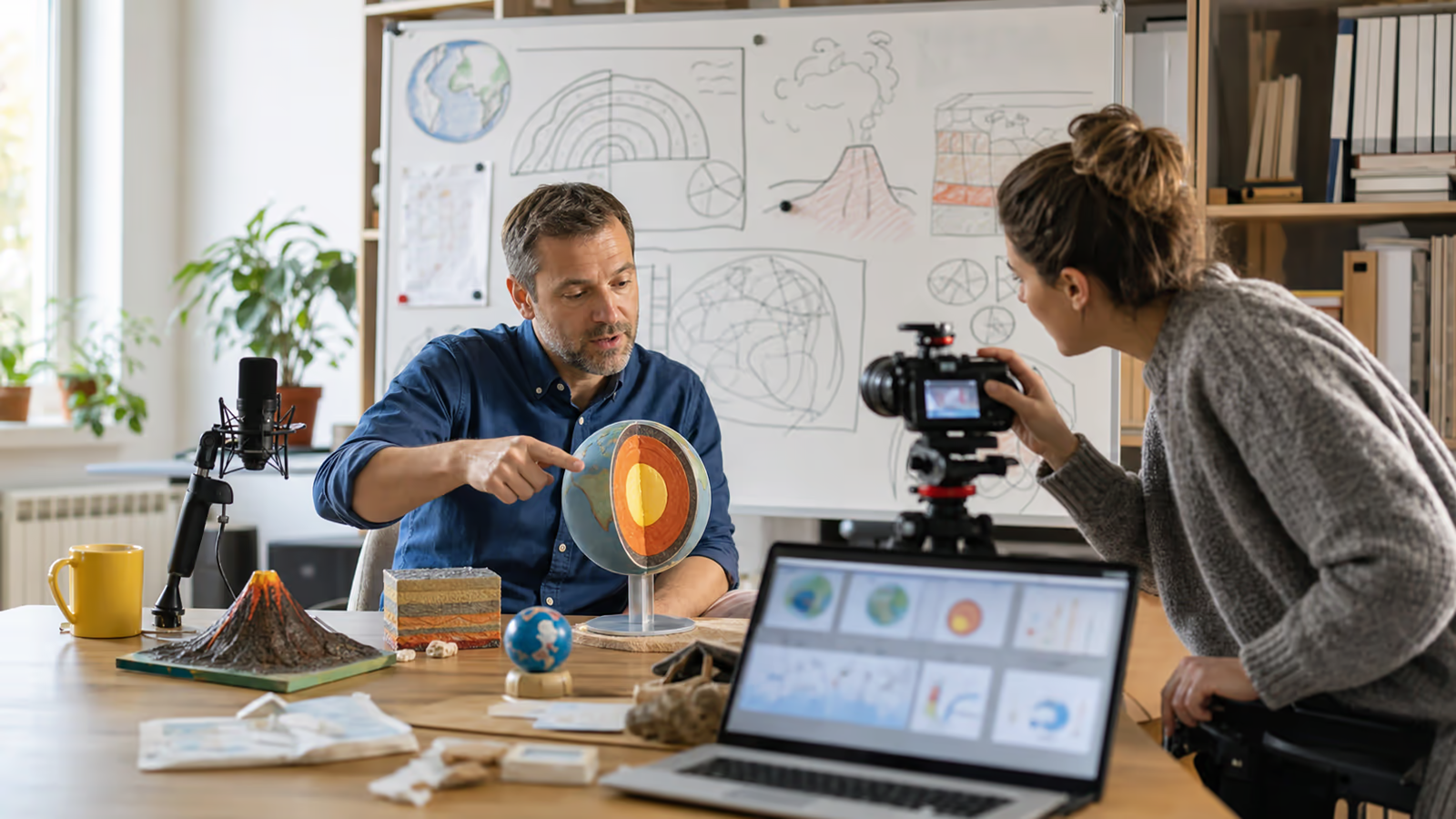
Education and Explainers

Create scenes that teach concepts visually. Turn abstract ideas into simple motion: a supply chain map, a medical concept, a software workflow, a physics demonstration, or a historical moment. Add narration notes, ambient context, and simple camera language so the result feels intentional.

Agency and creative team Flux 3 prompt workflows

Agencies and Creative Teams

Use reusable prompt templates across clients and campaigns. Keep a shared library of styles, camera moves, negative prompts, product constraints, and audio patterns. When a client asks for "more premium," "less glossy," "more documentary," or "more Gen Z," your team can adjust prompt variables instead of starting from scratch.

Prompt Templates

Free Flux 3 Video Prompt Templates

Copy ready Flux 3 prompt templates for product reveals, image-to-video, social ads, and keyframe transitions - then swap in your brand details.

  • Cinematic Product Reveal

    Create a [duration] second cinematic product video of [product] on [surface/environment]. The camera begins with a close macro detail of [specific product feature], then slowly pulls back to reveal the full product. Lighting is [lighting style], color palette is [brand colors], and the mood is [premium/minimal/energetic/technical]. Add subtle audio: [sound effects], [music mood], and a clean final accent when the product name appears. Keep the product shape accurate, preserve logo placement, avoid warped text, avoid extra reflections, and keep the background uncluttered.
  • Image-to-Video Character Scene

    Animate the reference image into a natural [duration] second scene. Keep the character identity, face shape, hairstyle, outfit, and color palette consistent. The character [action], while the camera [camera movement]. The environment is [setting], with [lighting] and [atmosphere]. Add natural audio: [room tone], [physical sound], and optional dialogue in [language] with [tone]. Avoid face flicker, changing clothing, extra limbs, unstable eyes, and sudden background shifts.
  • Social Ad Hook

    Create a fast, scroll-stopping video ad for [product/service] aimed at [audience]. Open with [visual hook] in the first two seconds. Show [problem] and transition into [solution/outcome]. Use [camera style], [editing pace], [visual style], and [audio direction]. Include clear readable text: "[short headline]." Keep typography stable, high contrast, and centered in safe zones for [platform/aspect ratio]. Avoid clutter, generic stock footage, unreadable text, and exaggerated claims.
  • Keyframe Transition

    Generate a smooth transition from Keyframe A: [describe first image] to Keyframe B: [describe second image]. The transition should feel [natural/cinematic/surreal/technical]. Keep [stable elements] consistent while [changing elements] transform over time. Camera movement is [movement]. Audio begins with [start sound], builds with [middle sound], and resolves with [end sound]. Avoid abrupt morphing, melted objects, unstable faces, and inconsistent lighting.

Pricing

Flux 3 AI Video Generator Pricing

One-time credit packs for multimodal Flux 3 video and image generation - text, image, keyframe, audio, and 1K/2K stills. Credits never expire.

Base

$9.9one-time
100 Credits
Generate AI video from text or images
Flux 3 Mini / Fast / Standard models
First & last frame video control
Add audio & dialogue cues to prompts
Create stills with Flux 3 Image (1K / 2K)
Images: 2 credits (1K) / 4 credits (2K)
Download generated videos & images
Credits never expire
Most Popular

Pro

$29.9one-time
370 Credits
Text, image, video & keyframe-to-video
Upload reference images, clips & audio
Motion, camera & dialogue prompt builder
Up to 1080p / 4K video on Standard
Flux 3 Image Generator — 1K & 2K stills
Iterate prompts and re-generate freely
Priority queue for faster video jobs
Credits never expire

Ultimate

$99.9one-time
1665 Credits — best rate per credit
Full multimodal video creation suite
Multi-reference + keyframe workflows
Fine-tune motion, camera & audio direction
Up to 1080p / 4K video on Standard
Create 1K / 2K images anytime with credits
High volume for ads, product clips & storyboards
Priority queue for faster video jobs
Credits never expire

Choose one-time credits • Flexible billing options

Choose one-timeCredits never expireSecure paymentsEmail support support@fluxproai.net

FAQ

Flux 3 AI Video Generator FAQ

Quick answers on Flux 3 video prompts, audio, references, commercial use, and how this independent tool works.

What is a Flux 3 AI Video Generator?

A Flux 3 AI Video Generator is a tool or workflow designed to help users create video outputs or video-ready prompts for FLUX 3. This independent site focuses on structured prompting, scene planning, audio direction, reference guidance, and reusable templates for creators who want clearer AI video results.

Is this the official FLUX 3 website?

No. This is an independent tool site and is not affiliated with, endorsed by, or operated by Black Forest Labs. For official FLUX 3 announcements, early access, API information, model availability, terms, and licensing, users should refer to Black Forest Labs directly.

Can FLUX 3 generate video with audio?

Black Forest Labs has publicly described FLUX 3 Video as supporting native audio generation for video outputs and has discussed text-to-video, image-to-video, video-to-video, continuation, keyframe-to-video, multilingual dialogue, and varied visual styles during its Early Access phase. Actual availability may depend on access, provider, product rollout, and terms.

Can I use images as references?

The official FLUX 3 blog describes image-to-video generation, including animation from a starting frame and the use of images as visual references. This generator helps you write prompts that specify what should stay consistent from the reference image and what should move or change.

How long can Flux 3 videos be?

Black Forest Labs has publicly stated that FLUX 3 can create video with audio up to 20 seconds in a single generation during the Early Access discussion. Longer sequences may depend on chaining, editing workflows, provider access, and future product releases.

Does this tool guarantee perfect video results?

No AI video generator can guarantee perfect results from every prompt. The purpose of this tool is to make prompts clearer, more structured, and easier to iterate. Results still depend on model access, settings, input quality, prompt clarity, and the current capabilities of the generation provider.

Can I use Flux 3 videos commercially?

Commercial rights depend on the official provider, account type, license, and applicable terms. Do not assume commercial usage rights from any independent prompt tool. Always review the relevant provider terms before using AI-generated video in paid campaigns, client work, or commercial products.

What should I include in a Flux 3 video prompt?

A strong prompt should include the subject, action, setting, visual style, camera movement, motion details, audio direction, dialogue notes if needed, reference constraints, aspect ratio, text requirements, and negative prompts. The more important the output, the more useful this structure becomes.

Get Started

Start Your Flux 3 AI Video Prompt Free

Open the Flux 3 AI Video Generator, pick a mode, and build a structured prompt with motion, camera, and audio - ready to generate and iterate.